SOP
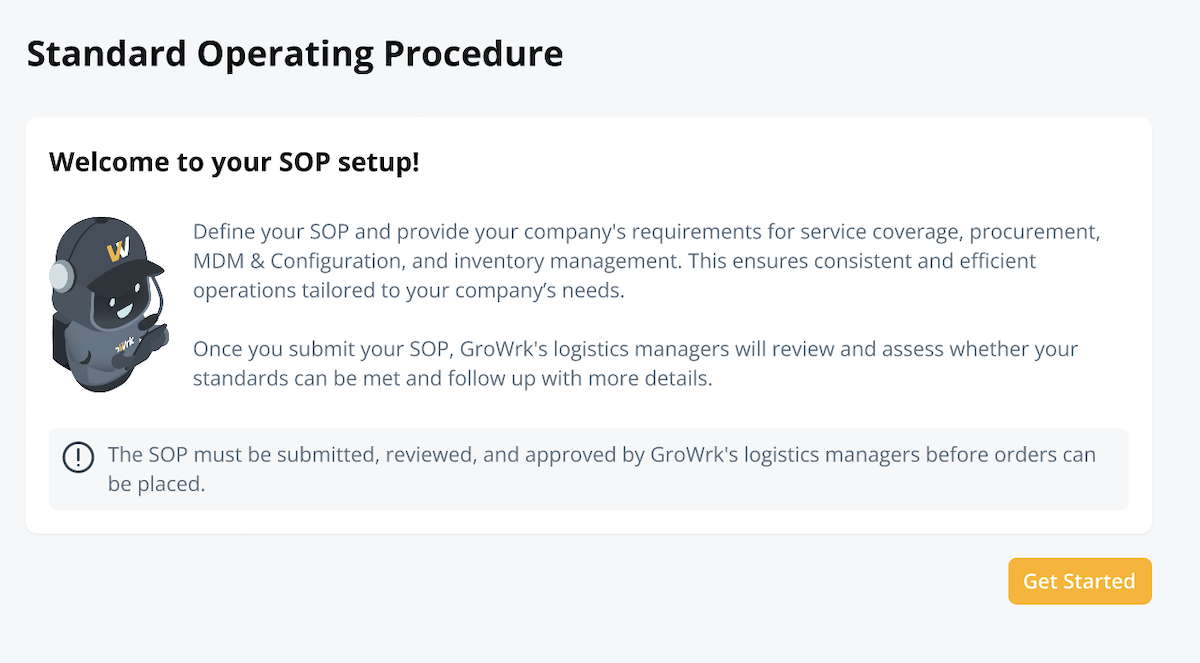
On the SOP page in your Dashboard, define the services you require from GroWrk and the specific procedures that should be followed for managing your devices throughout their lifecycle.
Modules
The SOP is divided into four modules: Coverage, Inventory Management, Setup Instructions, and End of Lifecycle. Each must be submitted separately, and the logistics team will review and approve the requested services. This allows you to track the status of each section independently on the Standard Operating Procedures page.
Module 1: Coverage
The information provided on this page will be used to assess your company's service needs. It is subject to review and confirmation of service by the GroWrk team.
Operating Countries
This section defines where you are operating and what services you require. Select each country your company operates in and its approximate headcount.
Requested Services
Select the specific order services (e.g., Purchase for Employee, Assign to Employee, or Disposal) that you will use with GroWrk.

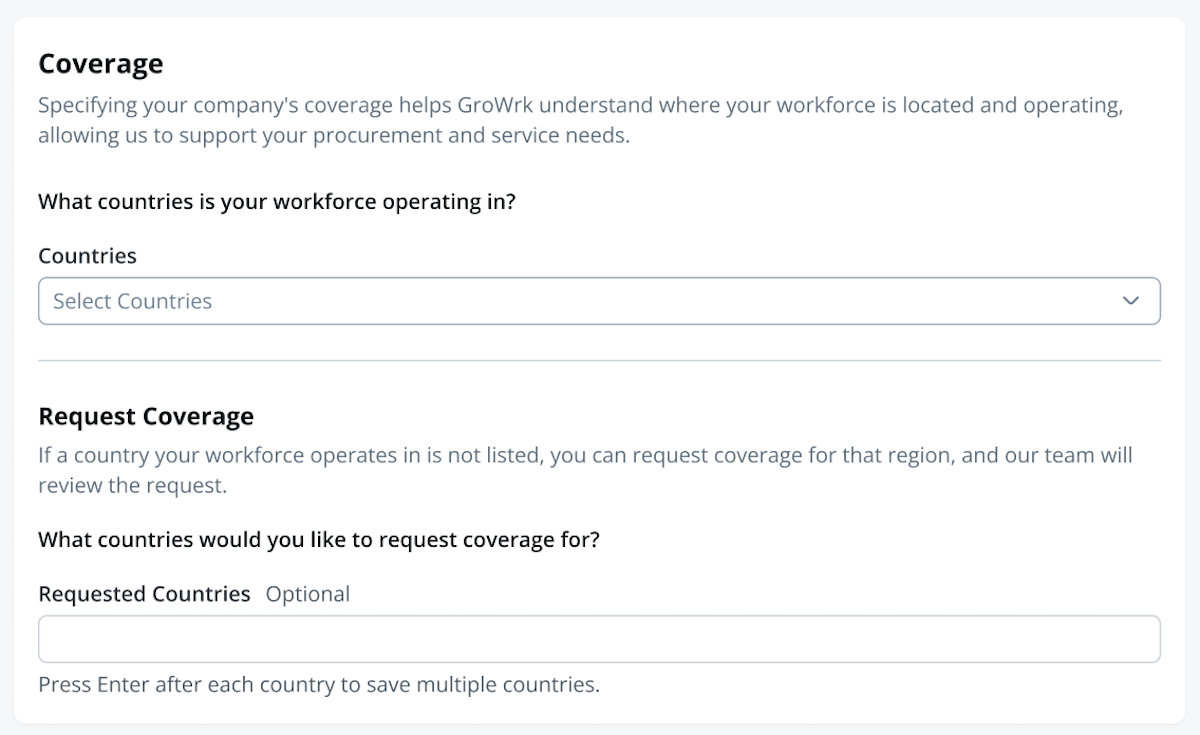
Request Coverage
If a country is not listed, request coverage for a specific country. If the Country field is filled, the expected headcount of employees is required. Please note that submitting a request does not guarantee immediate availability and is subject to review and approval.
Module 2: Inventory Management
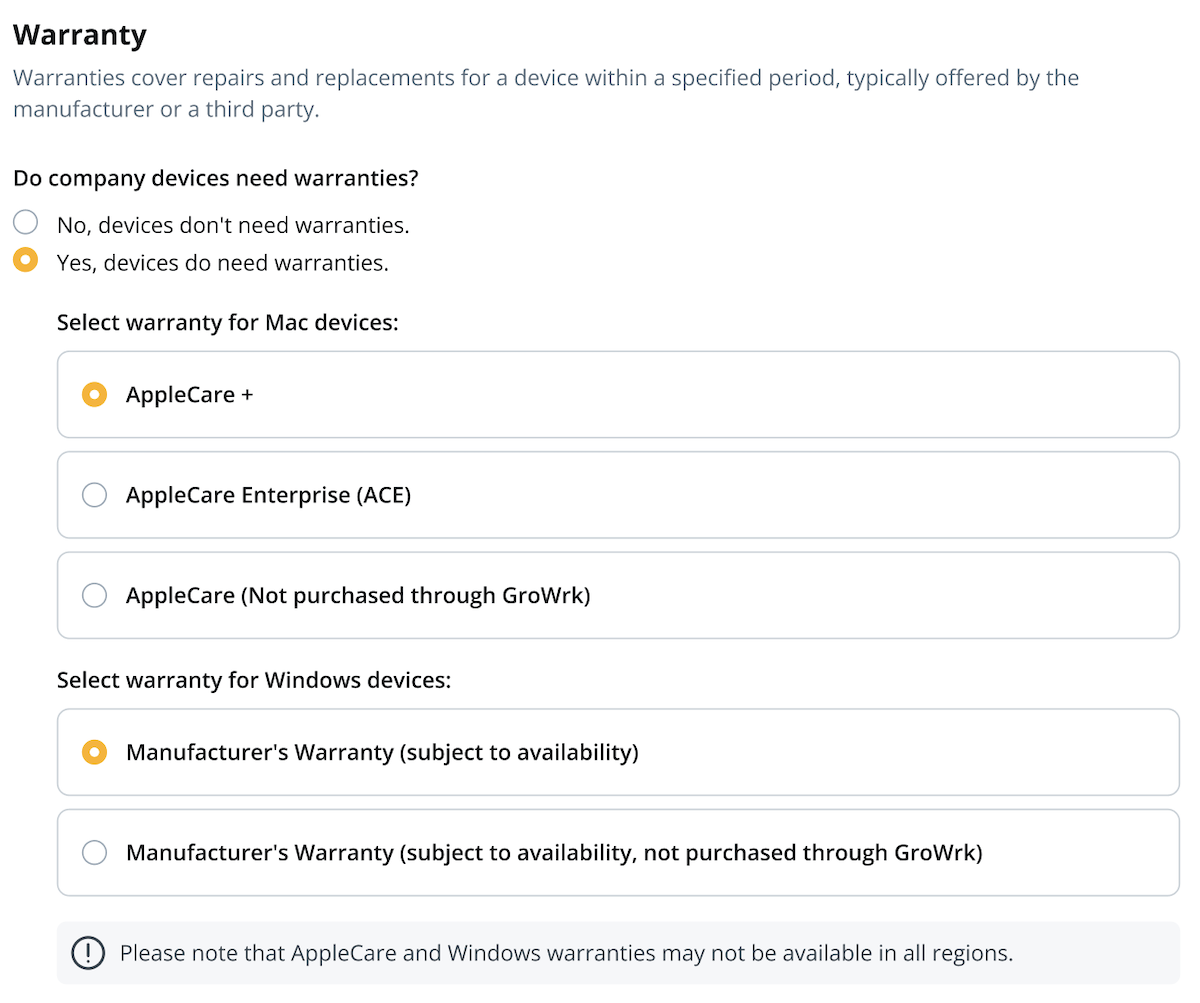
Services configured on this page are for managing your inventory as devices arrive at the GroWrk warehouse.
Handling Devices
Specify which devices your workforce currently uses and will be managed in your inventory.
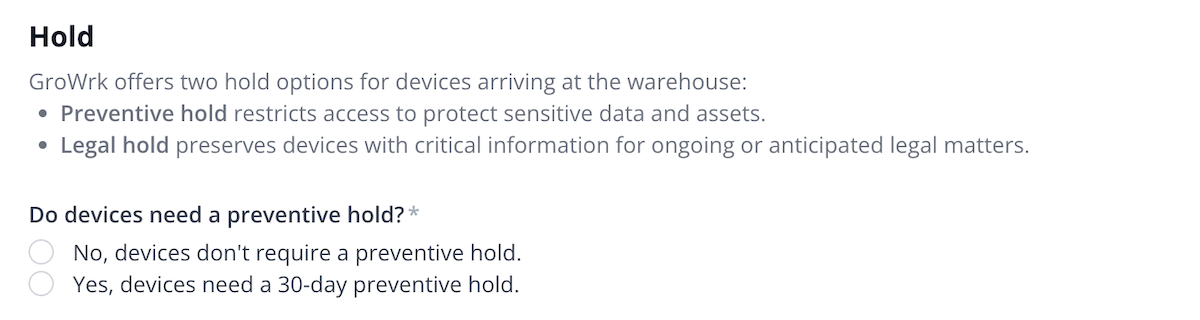
Preventive Hold
Select whether you'll use the Preventive Hold service for products arriving at a GroWrk warehouse.
Legal Hold
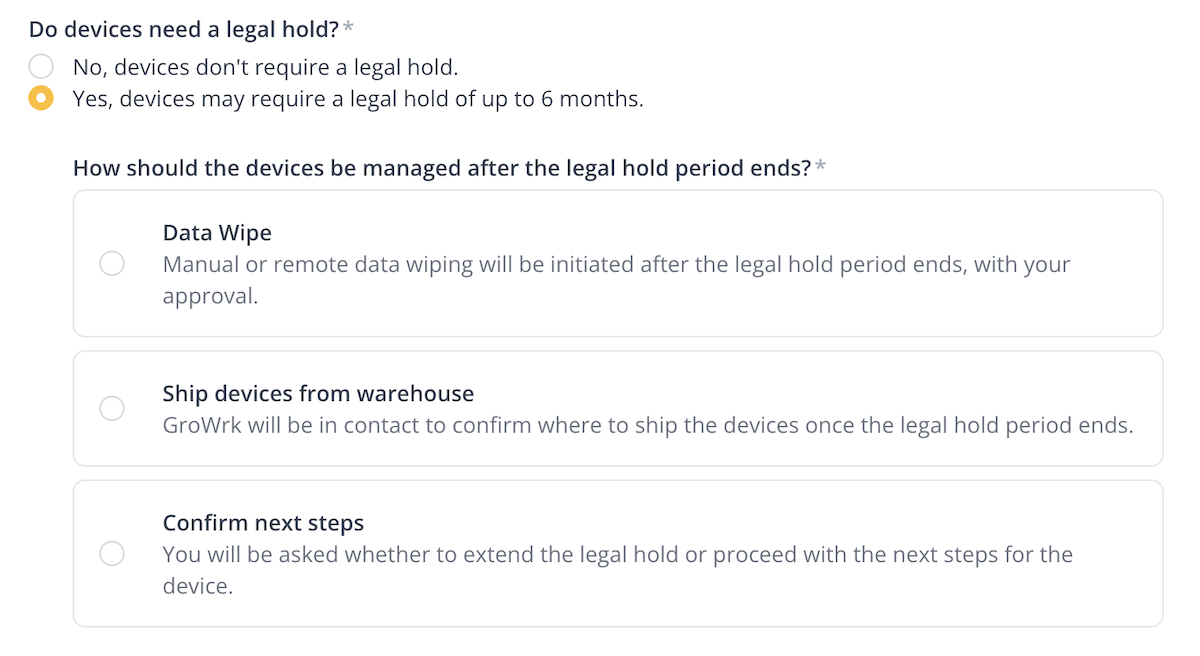
Select whether devices should undergo a legal hold when arriving at a GroWrk warehouse. Legal holds may last up to six months, with options to extend, end early, or determine further steps for the device.
Data Wiping
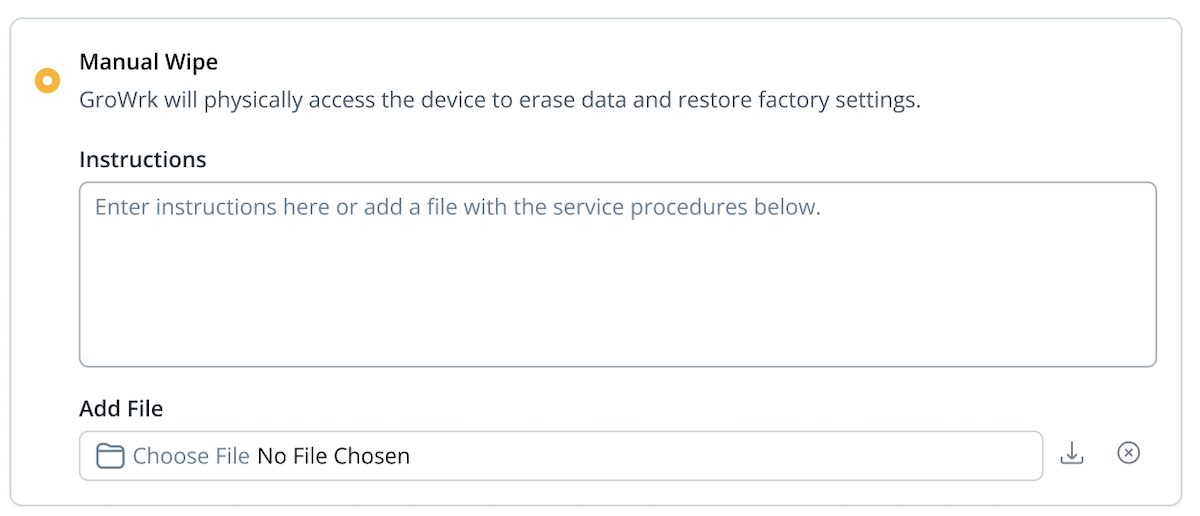
Select a data wiping option for each device type selected in the previous Handling Devices section. If remote or special wipe is selected, enter your wiping instructions in the text box or attach a file.
Certificate of Data Wiping
Select whether you would like to receive a certificate of data wipe after devices have been wiped. This service may incur an additional charge.
Asset Tagging
Specify whether your devices require asset tagging. If asset tags are to be applied, please send them to one of our warehouses.
Module 3: Setup Instructions
Services configured on this page prepare your devices for use before delivery. Certain services may require detailed setup instructions. You can download the provided reference documents to see how to structure and detail your requirements.
There are two types of services:
- Standard: Low-complexity services that can be fulfilled without the need for review and approval.
- Custom: Medium or high complexity services that require review and approval before GroWrk can confirm feasibility.
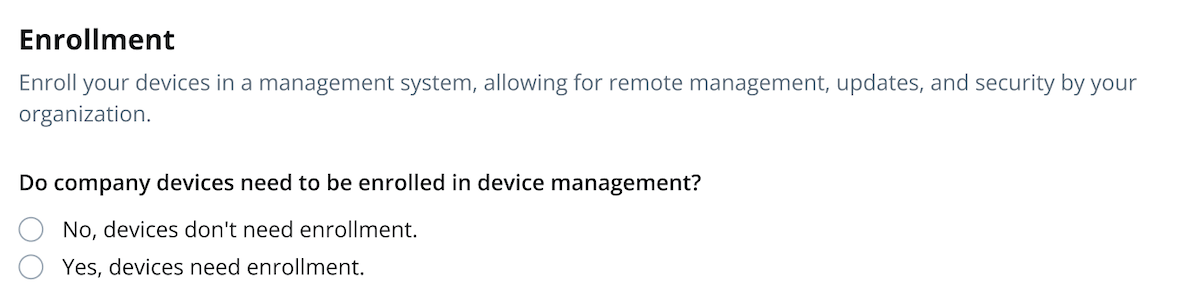
Enrollment
Specify the enrollment method for your Apple devices to ensure they are properly integrated into your Mobile Device Management (MDM) system. Depending on the MDM option you select, you may need to provide details such as your ABM Organizational ID and MDM provider details. Enter any enrollment instructions in the text box or attach a file.
Specify the enrollment method for your Windows devices to ensure they are properly integrated via Windows Autopilot or your preferred MDM solution. Depending on the option selected, you may be required to provide your Tenant ID, domain details, or MDM provider information. Enter any specific enrollment instructions in the text box or attach a file.
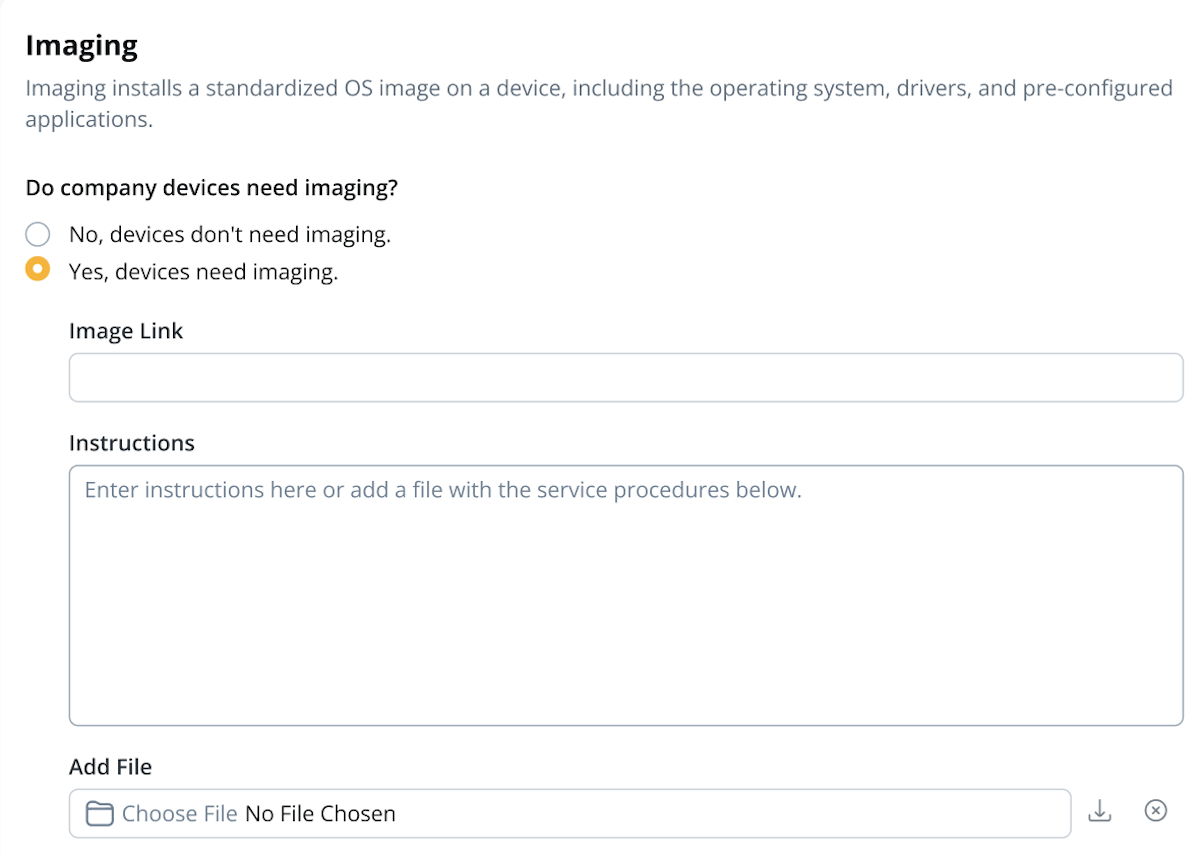
Imaging
If imaging is required, provide the image link and specify any necessary tools (e.g., USB, YubiKey) or passwords. Enter your imaging instructions in the text box or attach a file.
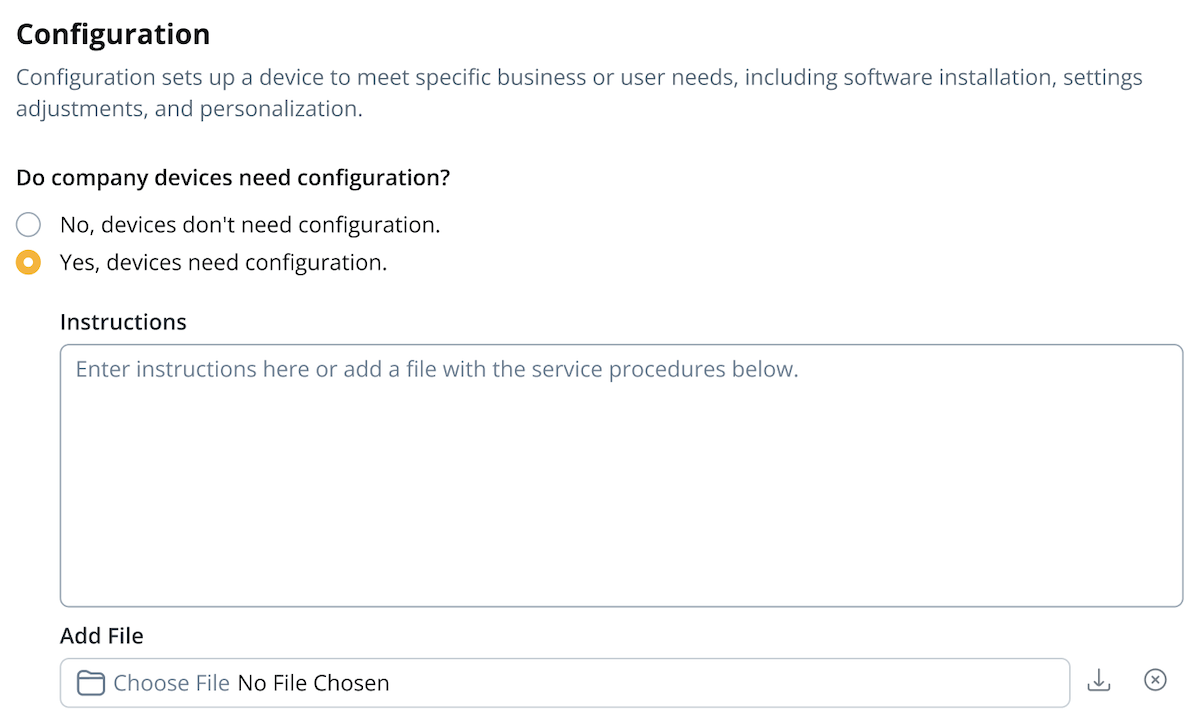
Configuration
If you would like to configure your devices, enter your configuration instructions in the text box or attach a file.
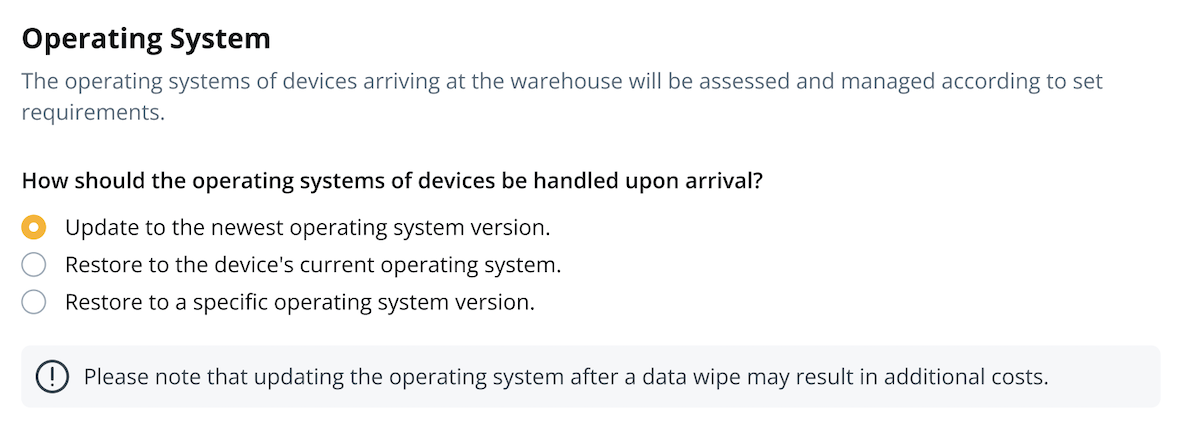
Operating System Handling
Specify how to update or restore your devices' operating systems upon arrival at a warehouse. If you have a preferred OS version, please specify and provide the instructions in the text box or as a file.
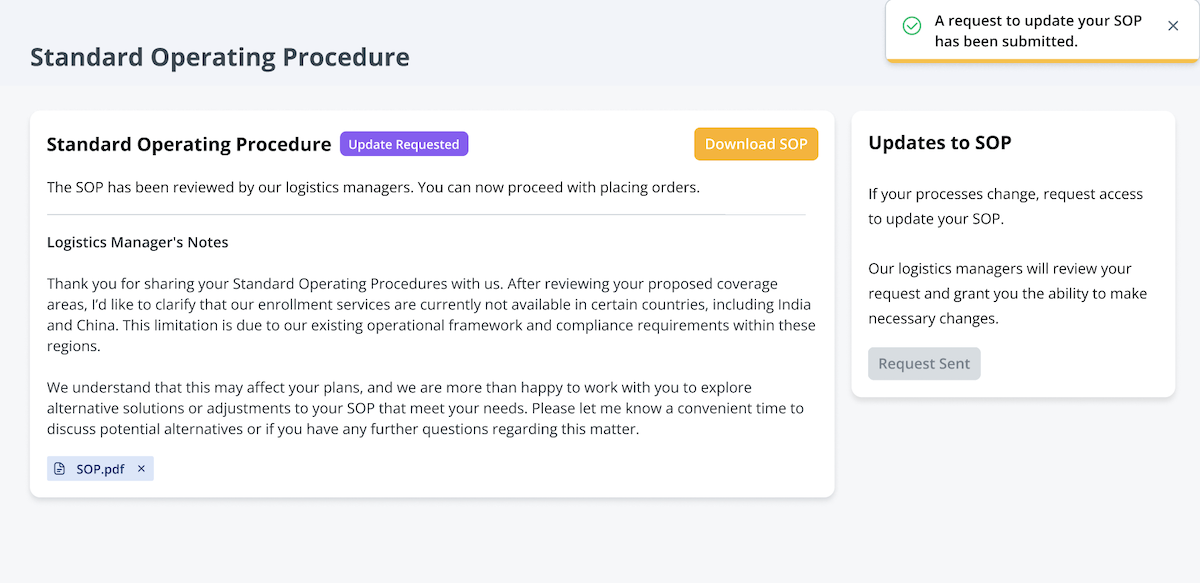
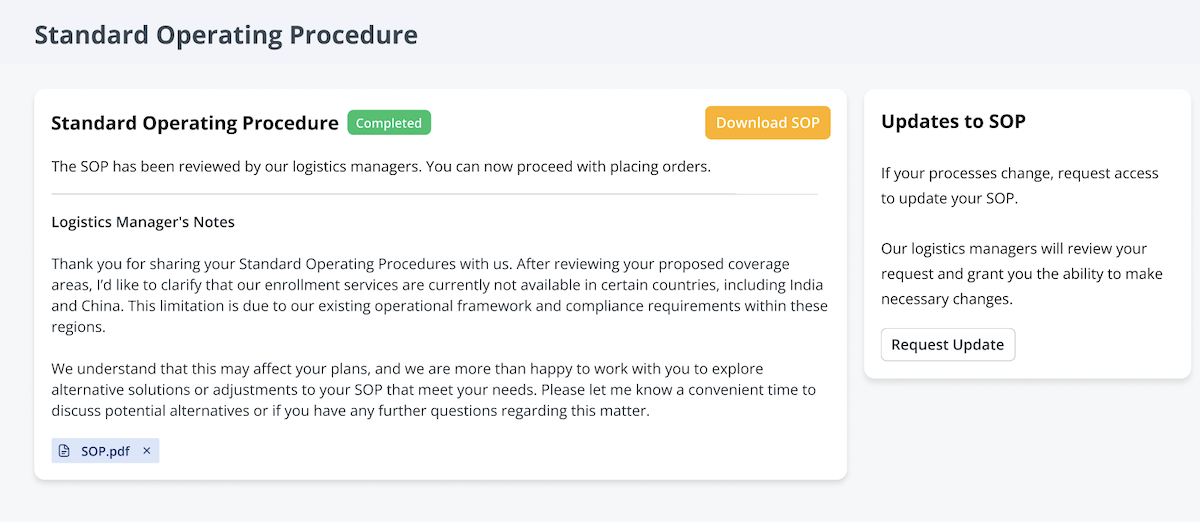
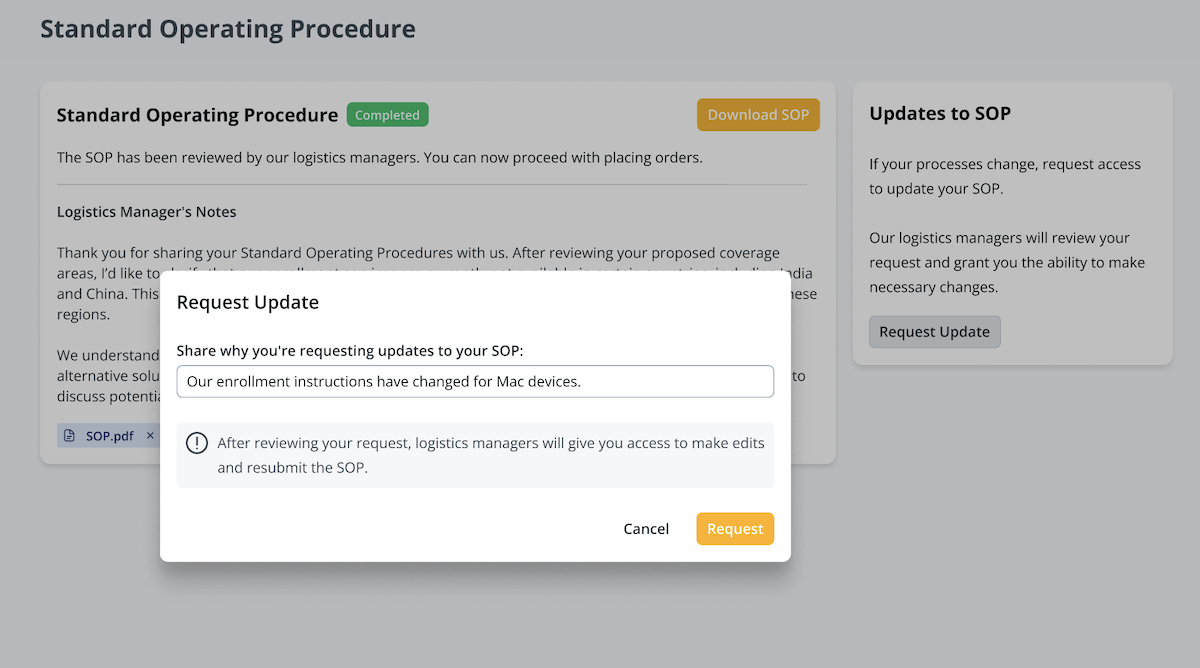
Please note that any instructions added later for a service will not apply to orders placed before those instructions are received. If the instructions are for custom services, they will need to be reviewed and approved, while standard instructions will be automatically applied to orders placed thereafter.
Module 4: End of Lifecycle
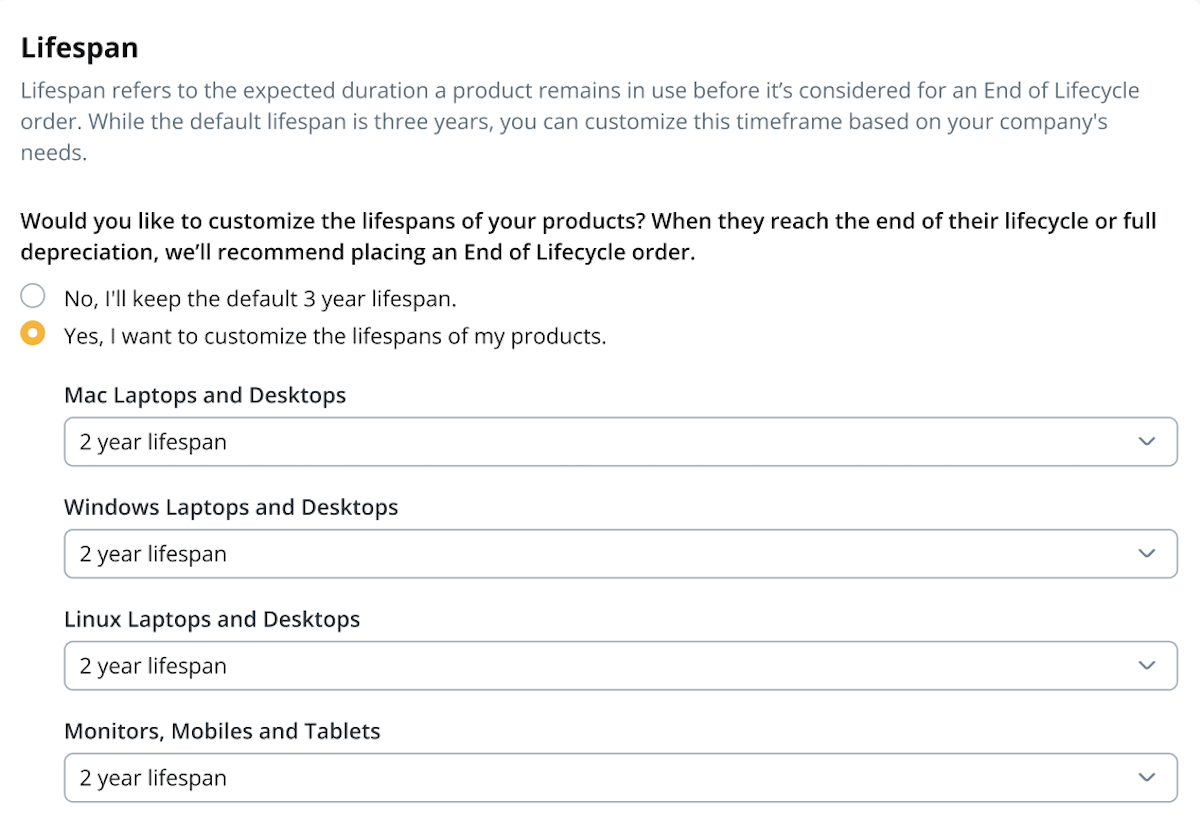
This page configures your device lifespans and determines when devices become eligible for End of Lifecycle orders.
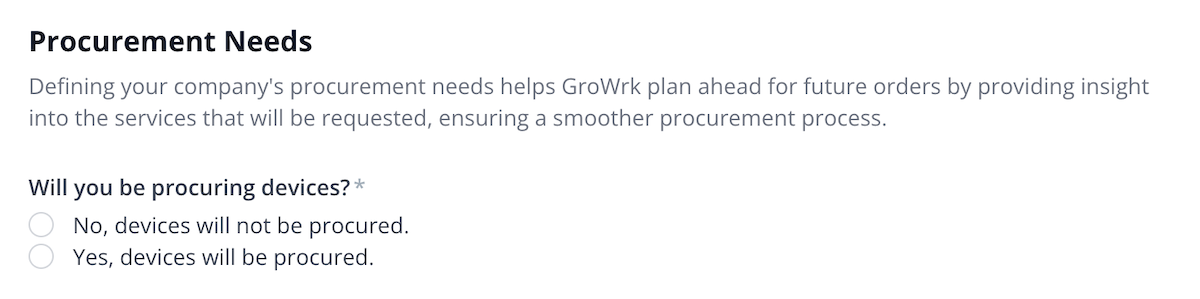
Product Lifespan Customization
Set the lifespan for your devices to determine when they are considered fully depreciated. You can either use the default 3-year lifespan for all device types or customize lifespans.
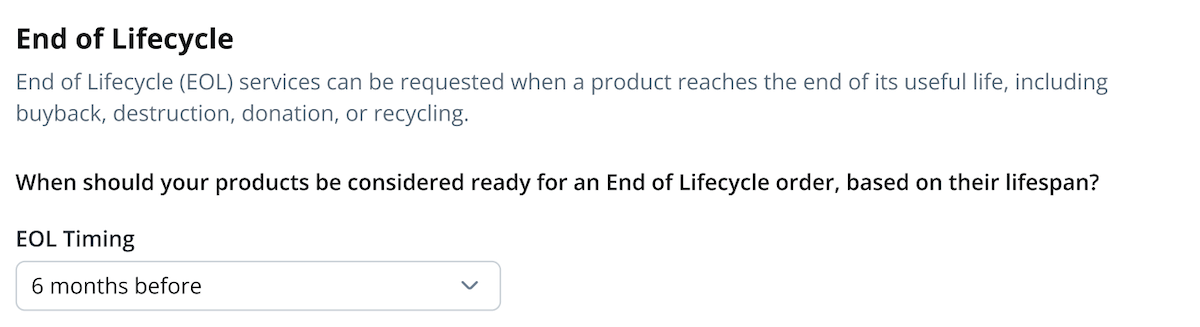
End of Lifecycle Timing
Choose when the End of Lifecycle process should be triggered, relative to their full depreciation date.
SOP Module Submission
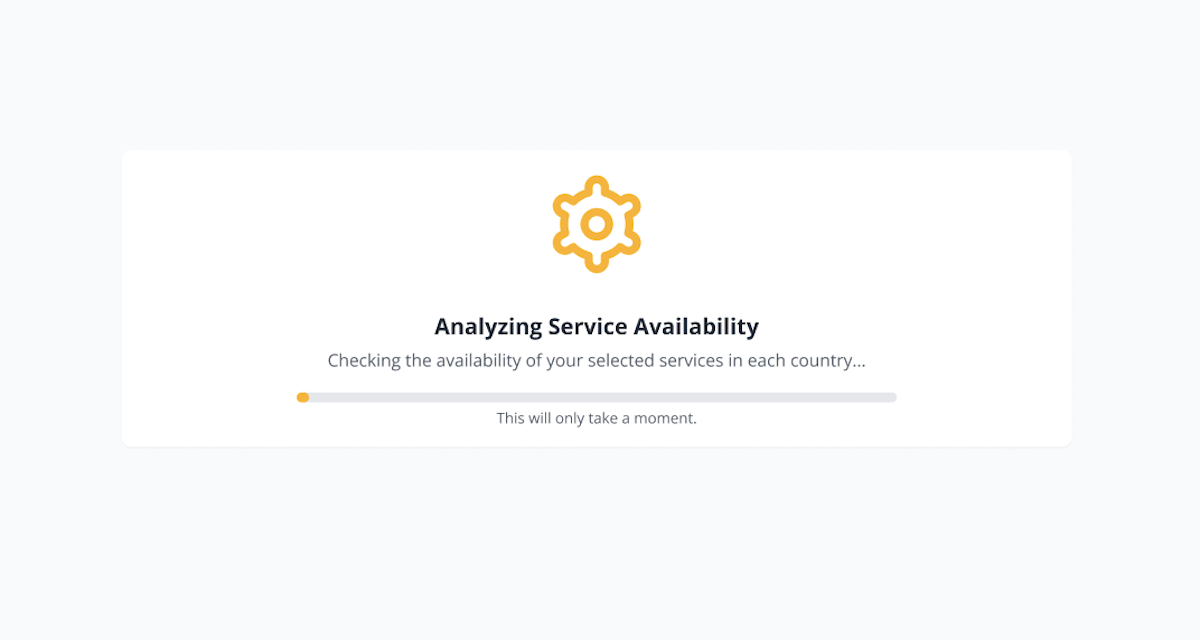
After submitting a module, services will be automatically analyzed for availability based on each country your company operates in.
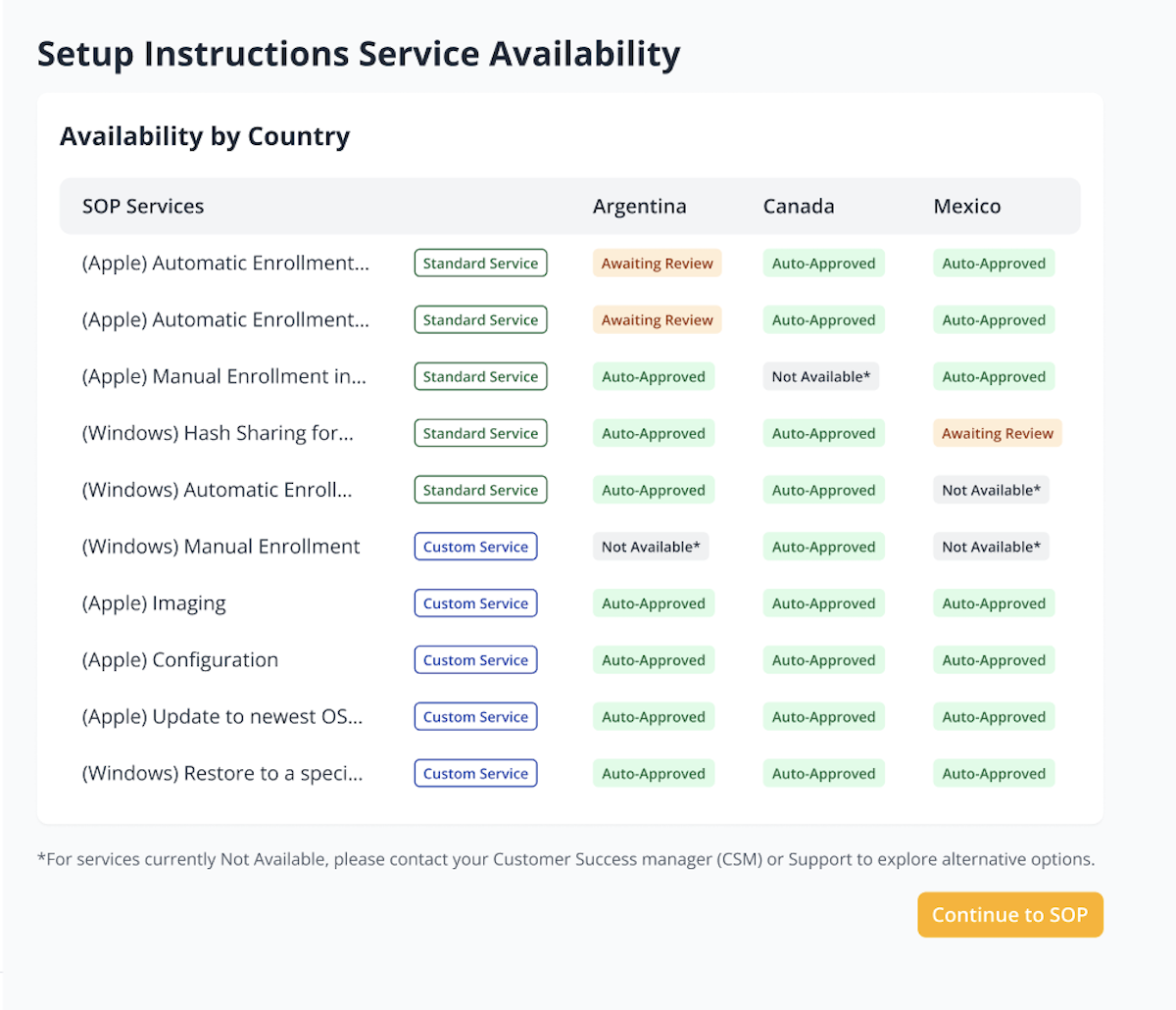
Services will be categorized as Auto-Approved, Not Available, or Awaiting Review. Those marked as Awaiting Review will undergo a manual review by the logistics team to determine if they can be fulfilled.
SOP Review by Logistics Team
Each SOP module will be reviewed by the logistics team after it is submitted. If you opted for standard services, some orders may be placed immediately; however, custom services may require review and approval. You will be notified via email when the status of a module is updated or if a comment is left by the GroWrk team.
You can view the statuses of the SOP modules with the following statuses:
Not Started: The module has not been started yet.
Draft: The module is currently in progress but has not been submitted yet.
Awaiting Review: The module has been submitted and is awaiting review.
Under Review: The module is currently under review.
Update Required: The module has been reviewed with specific feedback regarding the requested services and requires updates.
Completed: The module has been approved and orders can now be placed.
Completed with Exceptions: The module has been approved with specific notes regarding the requested services.